Lifetime static QR codes: free, never expiring, and self-contained
A static QR code encodes data directly into the pattern — no server, no subscription, no expiry. It's the simplest way to create a permanent QR code at zero cost. But it comes with trade-offs you should understand before printing.
How a static QR code works (technically)
When a QR code generator creates a static code, it converts your data — a URL, a block of text, WiFi credentials — into a binary string, applies Reed-Solomon error correction, and maps the result into the black-and-white module grid. The entire payload lives inside the pattern.
When someone scans the code, their phone's camera decodes the pattern back into data and acts on it: opening a URL in a browser, connecting to WiFi, or adding a contact. No network request to a QR service is needed — the phone handles everything locally.
This is why static codes are inherently permanent: there is no middleman server that can go offline. The trade-off is that the data is fixed at creation time. Change your mind? You need a new code.
Key technical facts
- Maximum capacity: ~4,296 alphanumeric characters (version 40)
- Error correction: up to 30% of the code can be damaged and still scan
- More data = denser pattern = requires larger print size for reliable scanning
- Short URLs produce simpler patterns that scan faster and at smaller sizes
What you can encode in a static QR code
URL
https://yoursite.com
Most common. Opens a webpage when scanned.
WiFi Network
SSID: CafeGuest / WPA2
Auto-connects the scanner's phone to your network.
vCard Contact
Name, phone, email, address
Adds your contact info to the scanner's phone book.
mailto:hello@example.com
Opens a pre-filled email draft on the scanner's device.
Plain Text
Any text up to ~4,000 chars
Displays raw text. No internet needed to read.
Phone Number
tel:+15551234567
Triggers a phone call when scanned.
When a static code isn't enough
Static codes are perfect for stable, low-stakes use cases. But they fall short when you need flexibility or data. Here are the scenarios where upgrading to a $50 dynamic code is worth it:
You might change the destination URL
Static risk: Static codes cannot be edited. A domain migration, page restructure, or content update means the code is dead.
Dynamic fix: A dynamic code lets you update the destination in seconds.
You need scan analytics
Static risk: Static codes provide zero visibility. You have no idea how many people scanned, where, or when.
Dynamic fix: Dynamic codes track every scan with location, device, and timestamp.
The URL is long or complex
Static risk: Long URLs create dense patterns that are hard to scan at small sizes or from a distance.
Dynamic fix: Dynamic codes encode a short 20-character redirect URL, keeping the pattern simple regardless of destination length.
You're printing at scale
Static risk: If 10,000 product labels have a static code pointing to a wrong URL, you reprint 10,000 labels.
Dynamic fix: With a dynamic code, you fix the URL in your dashboard. Zero reprints.
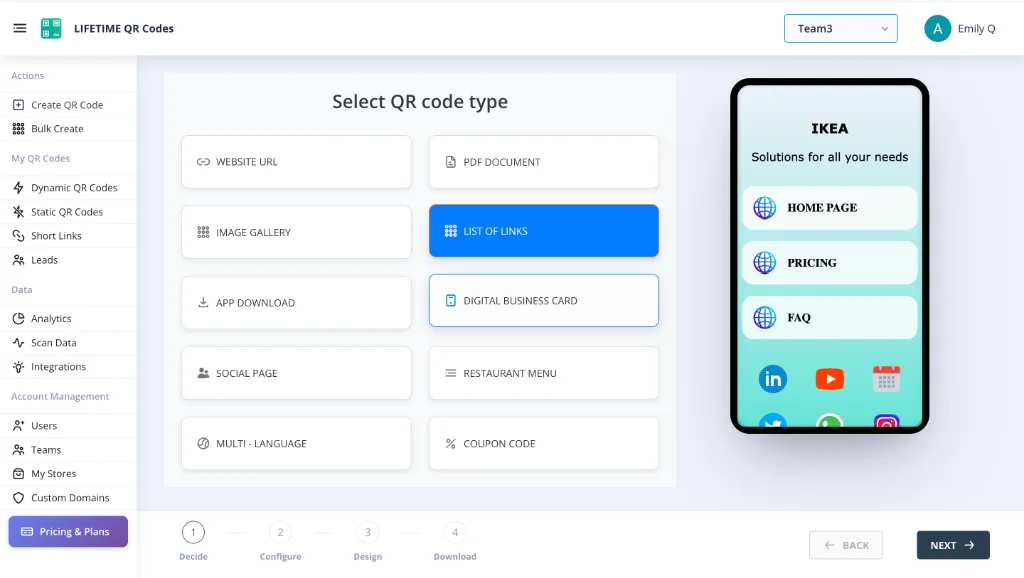
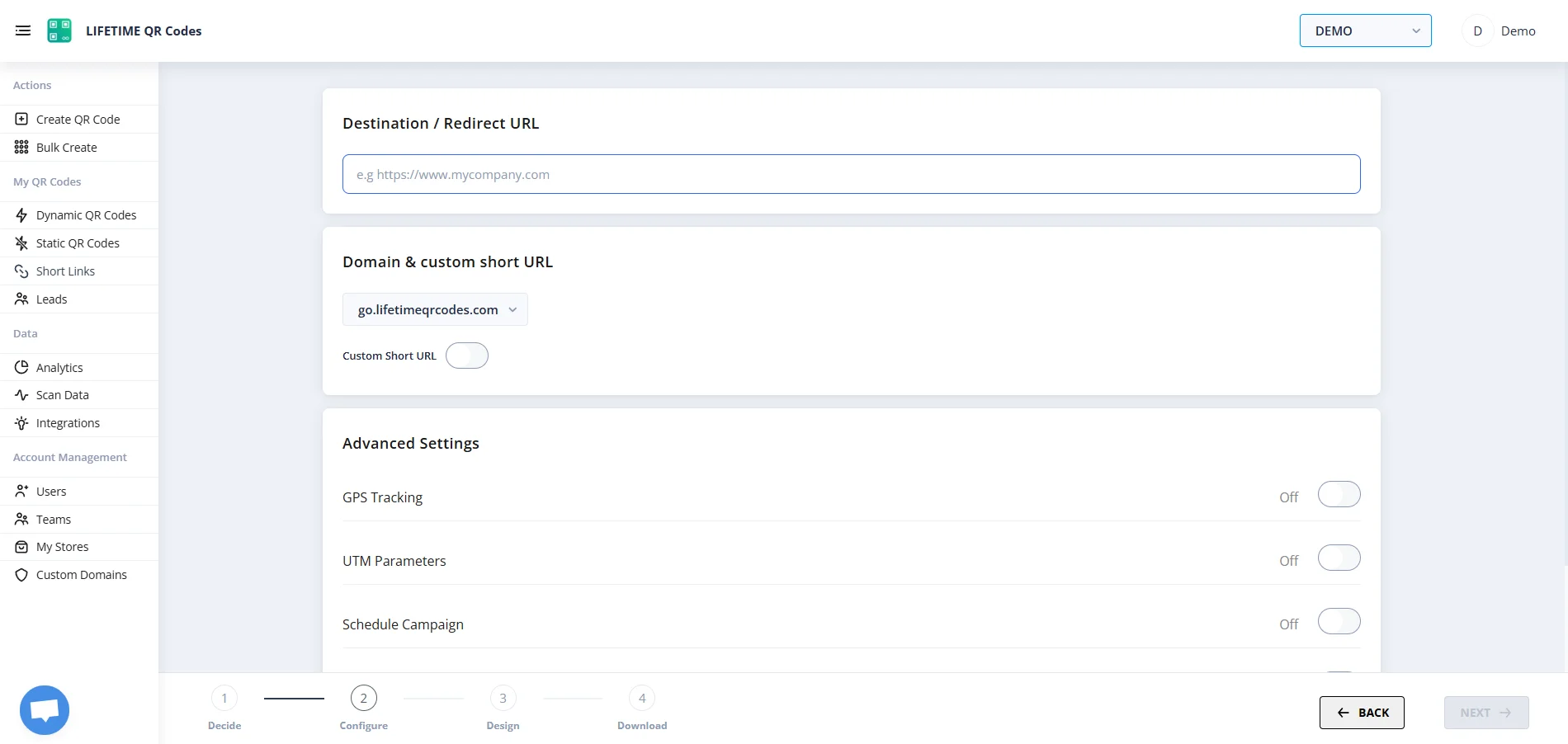
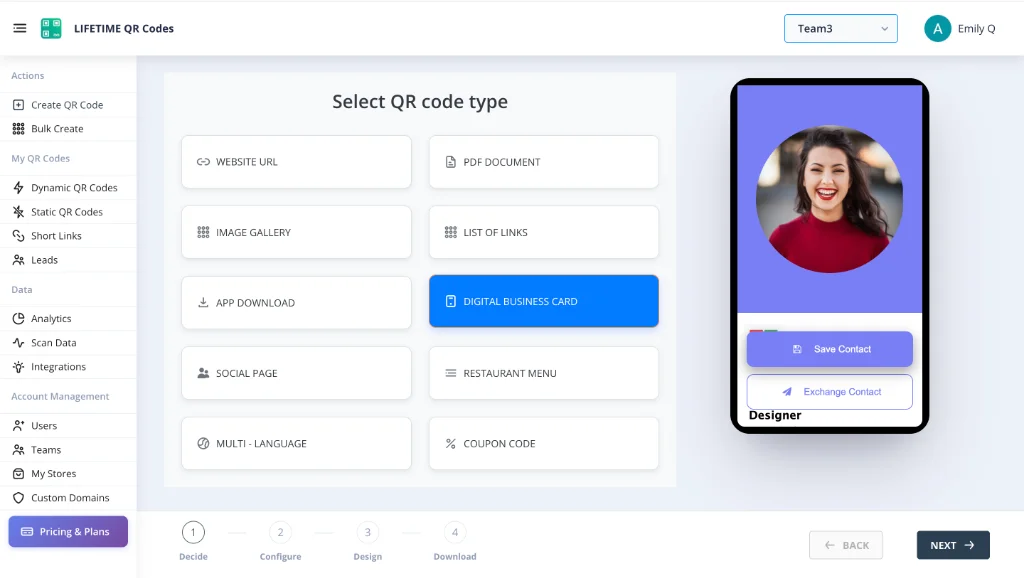
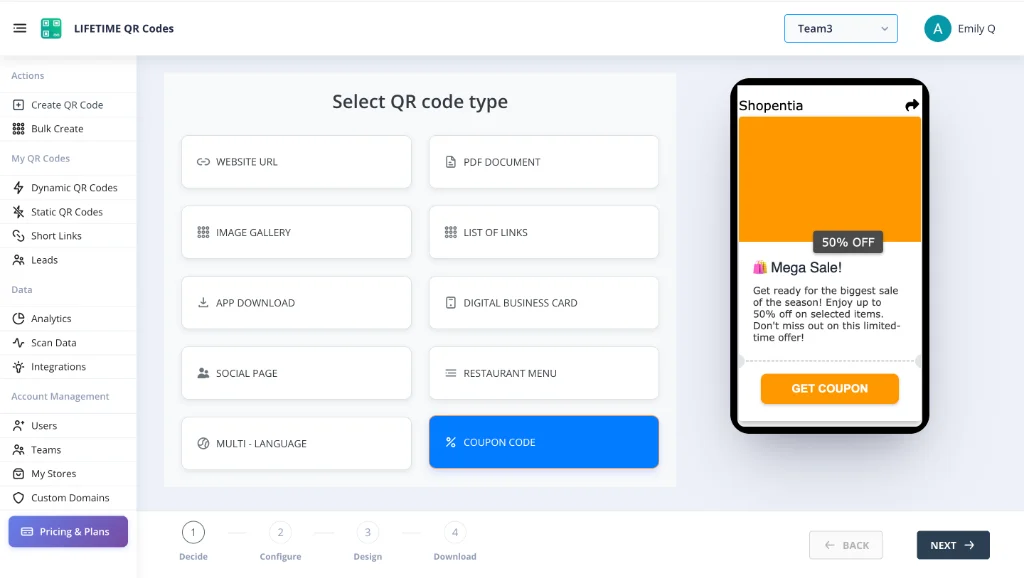
See the Platform In Action
Manage your permanent assets through an enterprise-grade dashboard designed for simplicity and power.
Lifetime QR Codes Analytics
See scans, devices, and top links at a glance — no subscription required.
Total scans
12,407
+26% vs previous period
Unique visitors
8,291
Last 24h
412
Avg scans / QR
4
Peak
Wednesday 14:00–15:00
Last 7 days
Daily scans
By device
By OS
Top regions
Top QR codes
- Menu – Main3,124
- Business Card vCard2,891
- Product Page2,103
- Event RSVP1,842
- PDF – Brochure1,247
Static QR code questions
Start with a free static code — upgrade if you need to
Static codes are free forever. Dynamic codes are $50 forever. Both are permanent.