A permanent QR code that doesn't expire — and how to get there
Your QR code stopped working? Learn why codes expire, how to check if yours will, and how to migrate to a permanent solution. One-time $49 payment — no subscription, no trial expiry, no platform shutdown risk.
Why QR codes expire
The QR pattern itself never expires — it is just a printed image. What expires is the redirect service behind the URL it encodes. Subscription-based and trial-based platforms host your link on servers that require ongoing payment. When that payment stops, your codes go dead.
Subscription cancellation
Most dynamic QR code generators host your redirect on servers paid for by a monthly or annual subscription. When you cancel, downgrade, or forget to renew, the service stops hosting your link. Every printed code pointing to that URL goes dead overnight — even if you printed 10,000 labels last year.
Trial expiry
Many "free" generators offer a 14-day or 30-day trial for dynamic codes. They rarely warn you prominently. You design a beautiful code, download the high-res file, print it on packaging or signage — then the trial ends and your link redirects to a paywall or "upgrade required" page. Your printed materials become hostages for a subscription.
Company shutdown
VC-funded or struggling QR platforms can shut down, merge, or pivot. When the company folds, their servers go offline. All codes hosted on their domain stop working. There is no migration path, no export, no warning — just broken links across every piece of printed material you ever produced.
Domain expiration
Some services use custom short domains (e.g., qr.example.com) that require annual renewal. If the company lets the domain lapse, or if a third-party short-link provider discontinues the service, the redirect breaks. Even "permanent" codes can die when the underlying infrastructure is not properly funded.
How to check if your current QR code will expire
Follow this step-by-step diagnostic to find out whether your existing codes are at risk.
Scan your QR code
Use your phone to scan the code. If it redirects to a paywall, "link deactivated," or 404 page, it has already expired.
Log into your provider dashboard
Check for trial end dates, subscription status, or "link deactivated" warnings. Look for emails about renewal or upgrade.
Review the original signup email
Search for "trial," "free," or "subscription" in your inbox. Many providers bury trial terms in fine print.
Contact support and ask directly
"Will this link stop working if I cancel or if my trial ends?" If they hesitate or say yes, plan to migrate.
Migrating to a permanent QR code
If your codes are expiring or at risk, here is how to move to a permanent solution.
Export your destination URLs
From your current provider, export or copy the URLs each QR code points to. You will need these when creating new codes.
Create new permanent codes
Sign up at Lifetime QR Codes and create a new code for each destination. Pay $49 once per code — no subscription.
Download and replace assets
Download the new QR images. For digital use (websites, emails), swap the old images. For print, update your design files and reprint when feasible.
Prioritize high-value codes first
Migrate product packaging, high-traffic signs, and business-critical codes before lower-priority ones. Use volume discounts for bulk orders.
How Lifetime QR Codes prevents expiration
We fund each code's redirect infrastructure with a one-time $49 payment. A portion is allocated to a dedicated reserve that covers hosting costs for decades. There is no subscription to cancel, no trial to lapse, and no monthly bill to forget. The code stays active as long as our servers run — and our business model is built for long-term stability.
Real-world consequences of expired codes
When QR codes expire, the impact goes beyond a broken link. Here is what actually happens:
- •Broken marketing: Campaigns, flyers, and ads with QR codes become useless. Customers lose trust when they scan and see an error.
- •Wasted print runs: Thousands of labels, menus, or signs with expired codes must be reprinted — doubling or tripling your print costs.
- •Lost support access: Product packaging linking to manuals, warranty info, or registration pages leaves customers stranded when the link dies.
- •Recovery ransom: Many providers charge $15–$45/month to reactivate. Over 5 years, that is $900–$2,700 for a single code.
See the Platform In Action
Manage your permanent assets through an enterprise-grade dashboard designed for simplicity and power.
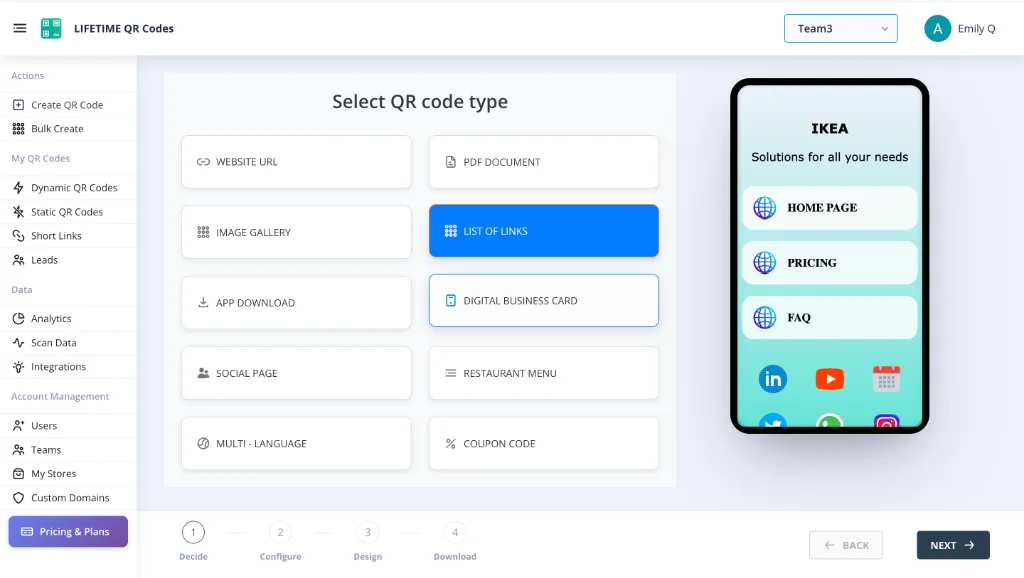
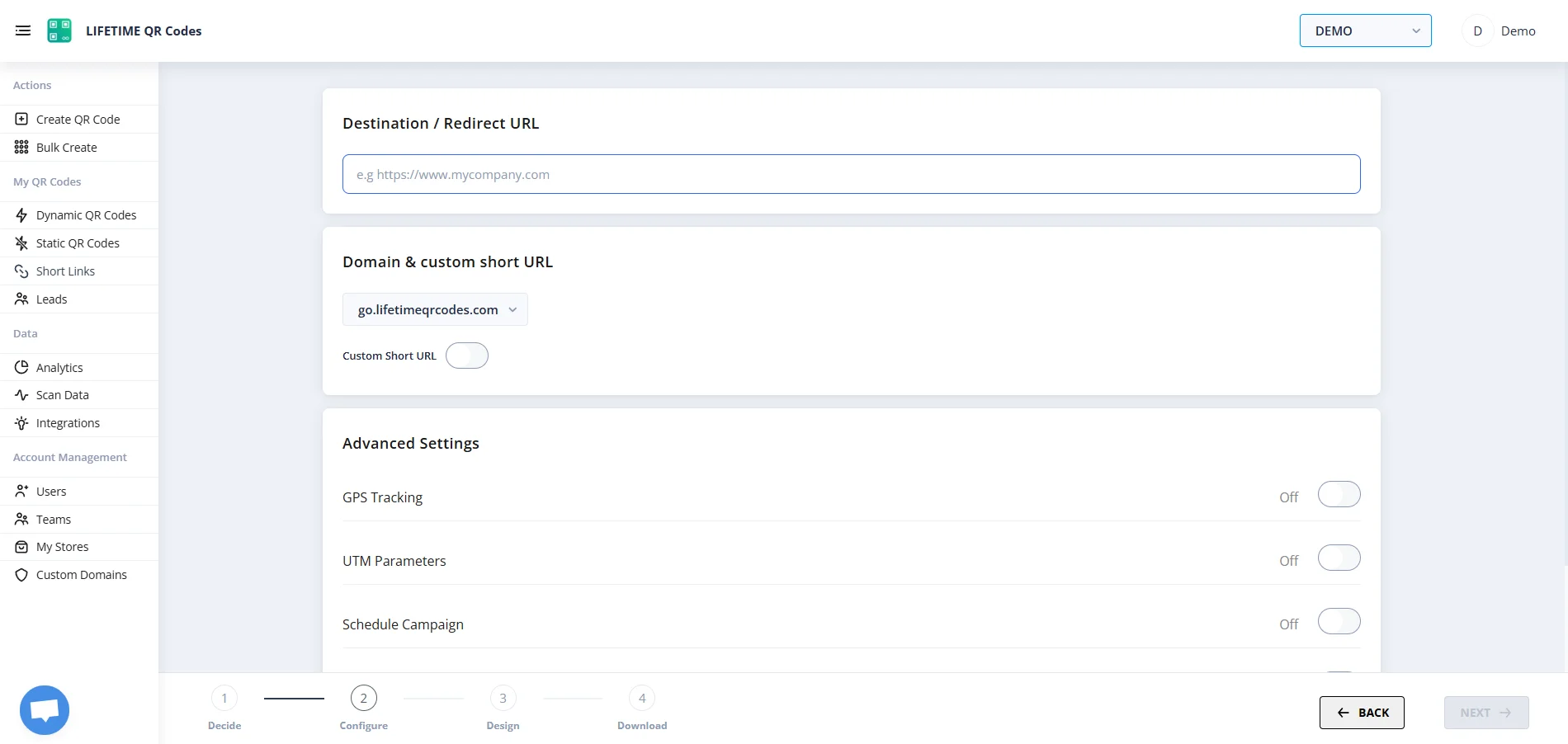
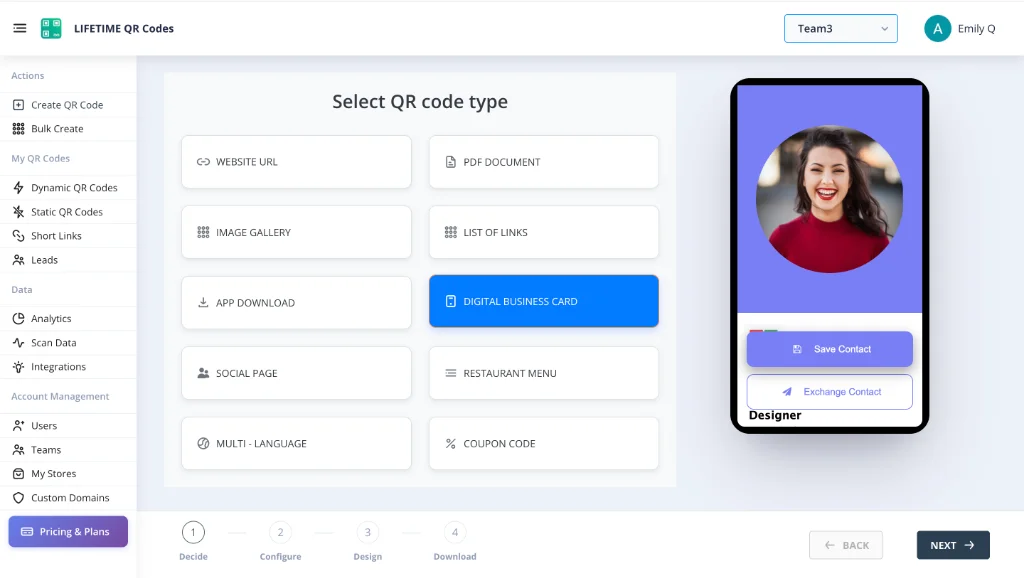
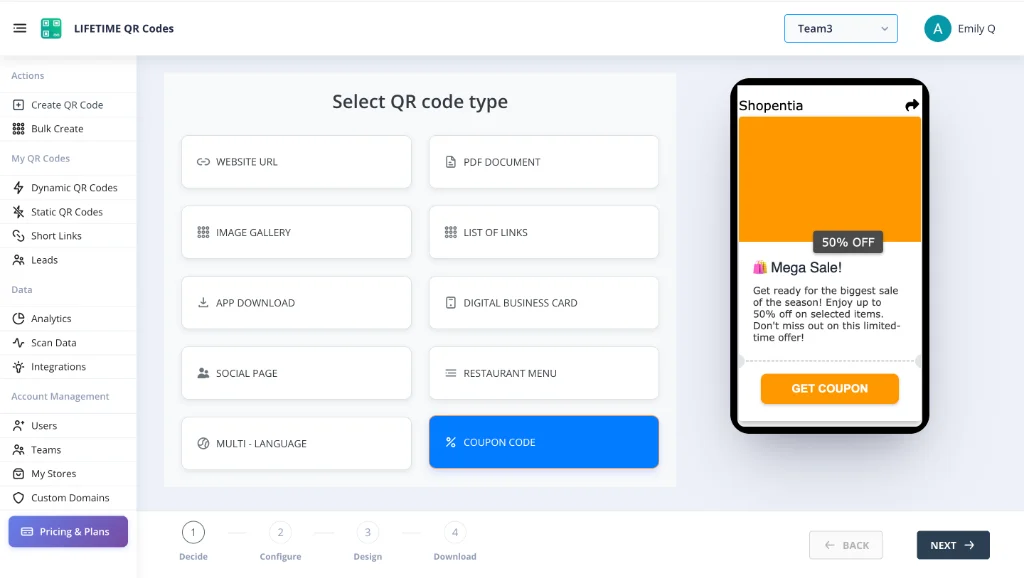
Lifetime QR Codes Analytics
See scans, devices, and top links at a glance — no subscription required.
Total scans
12,407
+26% vs previous period
Unique visitors
8,291
Last 24h
412
Avg scans / QR
4
Peak
Wednesday 14:00–15:00
Last 7 days
Daily scans
By device
By OS
Top regions
Top QR codes
- Menu – Main3,124
- Business Card vCard2,891
- Product Page2,103
- Event RSVP1,842
- PDF – Brochure1,247
Expiration, migration & permanence
Stop worrying about expiration
$49 one-time. Edit anytime. Never expires. Migrate from expiring platforms and secure your codes for good.
Create your permanent QR code