You're here because
a monthly plan doesn't fit.
You printed a code once. It has to keep working for years. Bitly is built for managing links week to week, which is a different job. Lifetime QR Codes is a full QR platform you pay for once: $49 per code, editable, with unlimited scans.
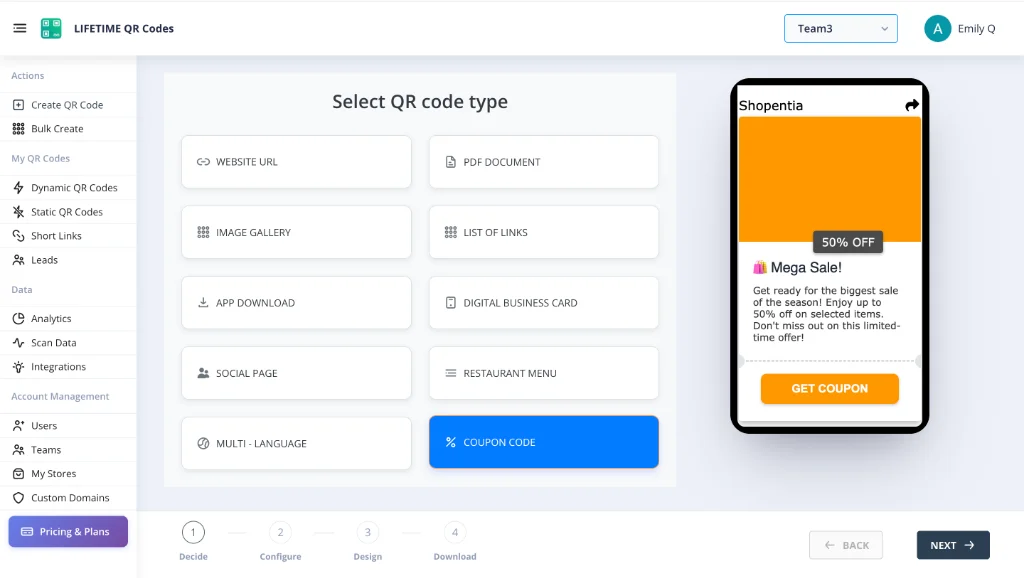
Website
Your site moves or gets a new page? Point the same code at it in a few taps.
Digital Business Card
New job title or phone number. The cards already in people’s wallets stay right.
Upload this year’s brochure or price list and the old flyers open it.
Restaurant Menu
Prices change, specials change. The table card never needs reprinting.
App Download
One code that sends iPhones to the App Store and Androids to Google Play.
Social Bio Page
All your profiles behind one code on your merch, stickers or shop window.
Photo Gallery
A portfolio, a product lookbook or event photos. Add pictures whenever you like.
Coupon
Run a new offer every month from the same printed flyer.
Short Link
A short, tidy link you can see scan counts for and change later.
Page of Links
Menu, booking and reviews on one page. Swap links in and out anytime.
When a subscription makes sense, and when it doesn't
Bitly started as a link shortener and grew into a link management platform. It offers paid plans billed monthly or yearly; check their current pricing for details.
A subscription is a good fit if you run campaigns that change often, manage links across a team, or rely on custom domains and analytics integrations. You use it every week, so paying monthly matches how you use it. For a short campaign, a monthly plan is also the cheaper way to go.
It fits less well when the code is printed once and left alone: menus, business cards, flyers, brochures. That code can stay in use for years while almost nothing about it changes, and what happens to it if a plan lapses depends on the provider's terms. That's the gap a one-time price is built for.
The five-year math
As an example, a plan at $35 a month costs $420 a year, or $2,100 over five years. $49 once per code is a different shape of cost, and you can still change the destination any time. Which is cheaper depends on how many codes you need and how long they stay in use.
Who this page is for
People usually land here for one of three reasons: they printed codes that need to last, they don't want a monthly bill for something that never changes, or they hit a monthly limit on how many codes they can create. If that's you, here's what changes.
If your codes change every week and a team manages them together, stay with a subscription. If they're printed once, pay once.
No invoice behind a printed code
A printed code shouldn't depend on whether this month's invoice was paid. With a lifetime code there's no invoice to miss, and no renewal date to track.
Explore non-expiring barcodes →No monthly limits on your codes
Bitly's plans limit how many QR codes you can create each month, so check the limits for the plan you'd need. Lifetime QR Codes has no scan limits.
No-subscription options →Print-ready files included
Every code comes with SVG and EPS vector files as well as PNG, so a print shop gets sharp edges at any size.
How never-expiring codes work →Do Bitly QR codes expire? →Privacy-First Analytics
See scans by device, country and city, with privacy in mind. Lifetime QR Codes is GDPR and CCPA compliant.
Lifetime generator overview →Bitly and Lifetime QR Codes, side by side
They do different jobs. Bitly manages links and campaigns. Lifetime QR Codes gives you an editable code you pay for once.
| Bitly | Lifetime QR Codes | |
|---|---|---|
| Built for | Managing short links, QR codes and campaign analytics, often across a team | A full QR platform: 15+ QR code types, with hosting for your files, audio and video, plus digital business cards, passes and short links |
| Pricing | Subscription, monthly or yearly; check their current pricing | $49 once per code, less when you buy more |
| Limits | Plans limit how many QR codes you can create each month | No limit on scans; you pay per code |
| Editing the destination | Yes, while your plan is active | Yes, for the life of the code |
| If you stop paying | Depends on Bitly's current terms | Nothing to stop: there's no subscription |
| Custom domains | Available on higher plans | Optional add-on, $10 a month or $100 a year |
| Teams and tracking | Broad link management and reporting for marketing teams | Unlimited team members, scan analytics, GA4 and UTM tracking. Focused on QR codes and the content behind them, not enterprise link management |
Stay with Bitly, or switch?
Bitly is the better fit if
- Your campaigns and links change every week.
- A team shares reporting across many links and needs Bitly's integrations.
- You want branded short links on your own domain as part of a wider link strategy.
- The code only has to work for a short campaign, when a monthly plan costs less than $50.
Lifetime QR Codes is the better fit if
- You print a code once and need it to keep working for years.
- You're a small business, nonprofit or solo owner, and a monthly bill for a code that rarely changes feels wrong.
- You want to budget once instead of tracking a renewal.
- You want more than a link: hosted PDFs, audio, video, a digital business card or a pass behind the same code.
What this looks like in practice
A café's table cards
The cards stay on the tables for years while the menu changes. You edit the page behind the code, not the card.
Business cards
Cards sit in drawers and get scanned months later. A code that still resolves matters more than a dashboard of campaign stats.
A nonprofit's flyers and brochures
Printed for one event and handed out all year. Point the code at this season's page without reprinting.
A shop's window sticker and receipts
Swap this month's offer behind the same sticker. The sticker never changes, so there's nothing to reprint.
How to move from Bitly to Lifetime QR Codes
One thing to know first: a QR code you already printed from Bitly points to Bitly's short link, so you can't redirect it elsewhere. New codes go on your next print run, and the old ones keep working for as long as your Bitly plan allows.
List what's printed and where
Export your Bitly links with their destinations, then note which ones are on printed material and how much of it is still in use.
Create the new codes
Make a lifetime code for each destination and download it as SVG, EPS or PNG for your printer.
Use them on your next print run
Put the new codes on reprints, new menus and fresh business cards. Nothing printed needs to be thrown away yet.
Cancel Bitly only when you're ready
Check Bitly's current terms first. If old printed copies are still in circulation, cancelling may stop them working, so wait until they're gone or reprint them.
Interactive Five-Year Cost Calculator
Calculate your direct business savings by swapping monthly Bitly subscriptions for lifetime codes.
Assumes you keep the plan for all five years. If you stop paying, what happens to your codes depends on the provider's terms.
Net savings: $1,065 with zero recurring invoices.
Frequently Asked Questions About Switching from Bitly
Why should I choose a bitly qr code alternative over continuing my subscription?
Bitly's paid plans run from about $10 to $300 a month depending on the plan and billing period, with monthly limits on how many QR codes you can create. Choosing a one-time-payment alternative removes the monthly bill by offering $49 once per dynamic code, with unlimited scans and lifetime editability.
What happens to my QR codes if I cancel Bitly?
If you cancel your Bitly account or a renewal fails, what happens to your dynamic codes depends on Bitly's current terms. Check them before you cancel, because a code that stops redirecting leaves every printed copy pointing nowhere.
Can I edit my QR code destination without paying a monthly fee?
Yes. When you activate a lifetime dynamic code through Lifetime QR Codes, destination editability is included for life. You can update destination URLs anytime via your management console without reprinting physical assets.
Can I migrate existing Bitly QR code images directly?
No vendor can take over an existing Bitly barcode graphic because the matrix pattern contains Bitly's short URL domain. You must generate replacement lifetime dynamic codes and apply them to your upcoming print runs.
Are print-ready SVG, EPS and PNG files included?
Yes. Every code comes with SVG, EPS and PNG files at no extra charge, ready to hand to your printer for menus, cards and flyers.
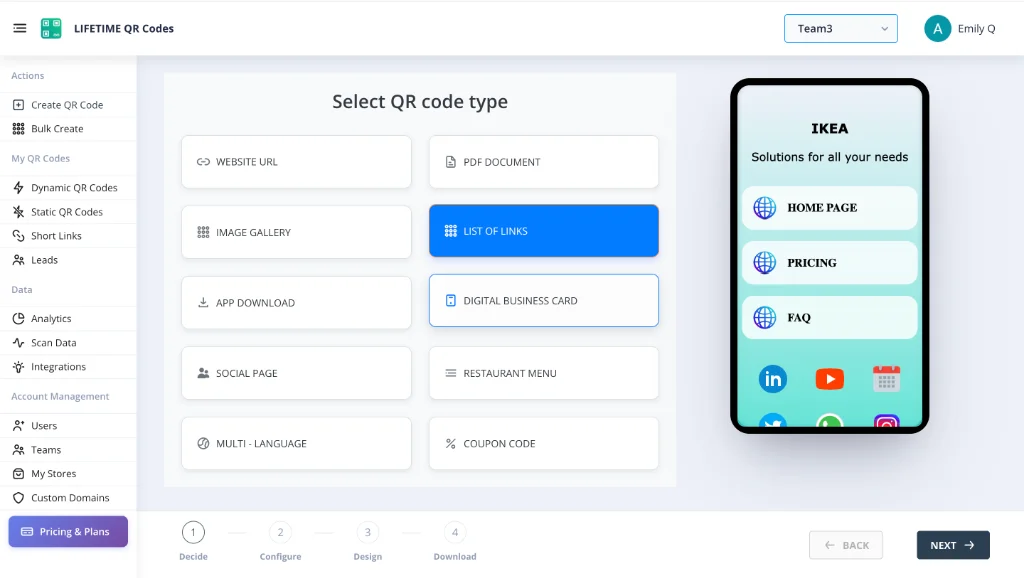
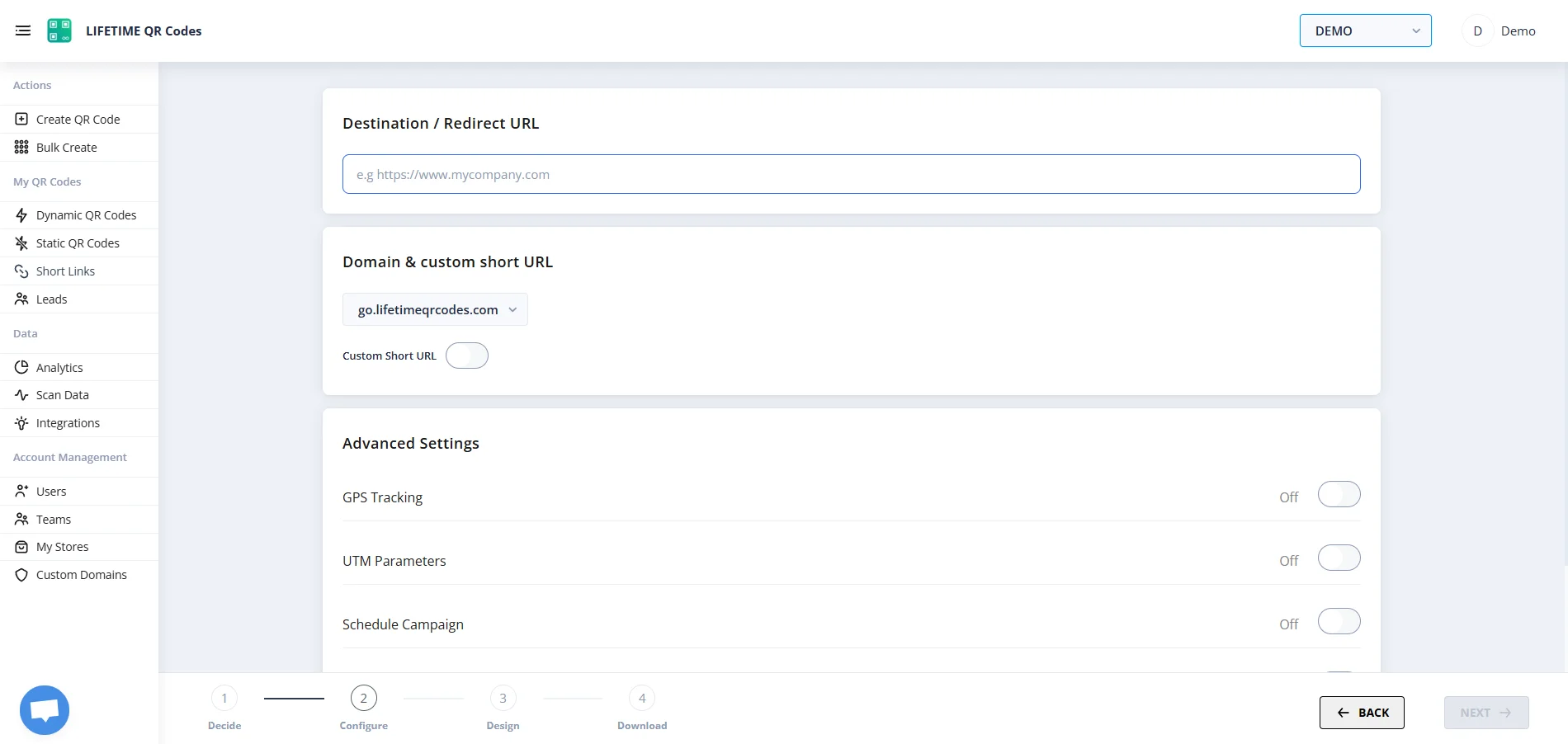
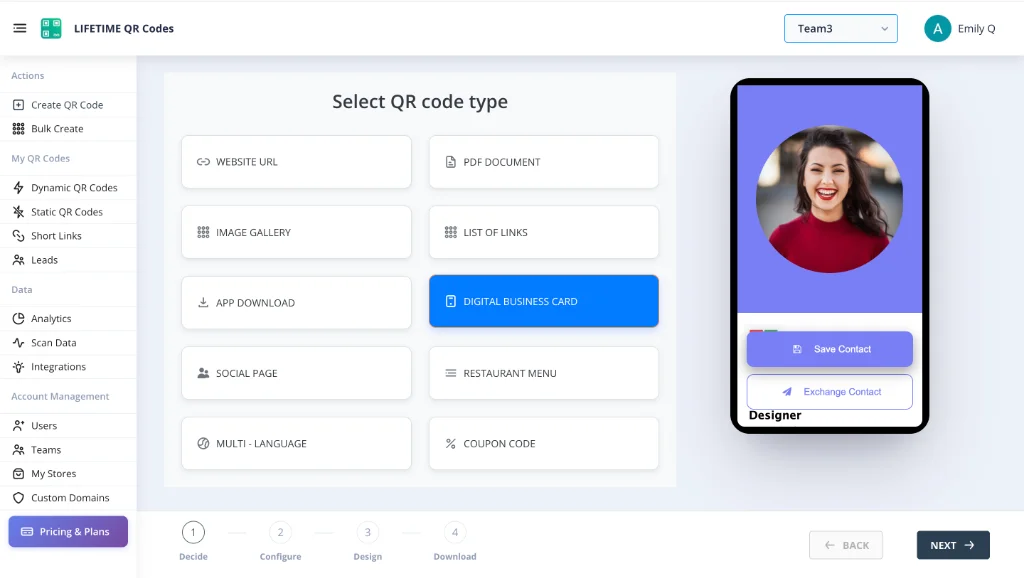
See the Platform In Action
Manage all your lifetime QR codes from one simple dashboard.
Lifetime QR Codes Analytics
See scans, devices, and top links at a glance — no subscription required.
Total scans
12,407
+26% vs previous period
Unique visitors
8,291
Last 24h
412
Avg scans / QR
4
Peak
Wednesday 14:00–15:00
Last 7 days
Daily scans
By device
By OS
Top regions
Top QR codes
- Menu – Main3,124
- Business Card vCard2,891
- Product Page2,103
- Event RSVP1,842
- PDF – Brochure1,247
Printed once? Pay once.
If your codes change every week, stay on a plan that fits. If they don't, $50 pays for your dynamic code once. No recurring bills and no scan limits.