Beyond the
Basic Canva QR.
Canva is great for design, but your QR codes deserve enterprise-grade reliability and permanent editability.
Canva QR vs. Lifetime QR
Canva Built-in
- Static ONLY: Cannot change URL after printing
- No Analytics: Zero data on scans or locations
- Basic Design: Limited style and branding options
Lifetime QR Codes
- Dynamic: Update destination URL anytime
- Deep Analytics: GPS, Device, and Time data
- Vector Support: EPS, SVG, and Print-ready PDFs
Frequently Asked Questions
Do Canva QR codes expire?
Standard static QR codes generated in Canva do not expire. However, they are basic and cannot be edited after printing. If you need dynamic tracking or the ability to change the destination URL, a professional lifetime service is required.
Can I edit a Canva QR code after printing?
No. Canva's built-in generator creates static codes. Once printed, the destination is locked. Lifetime QR Codes provides dynamic assets that you can update anytime without reprinting.
Is there a limit on scans for Canva codes?
While Canva doesn't typically limit scans for their static codes, they lack the advanced analytics (GPS, device type, time-of-day) that professional marketing campaigns require.
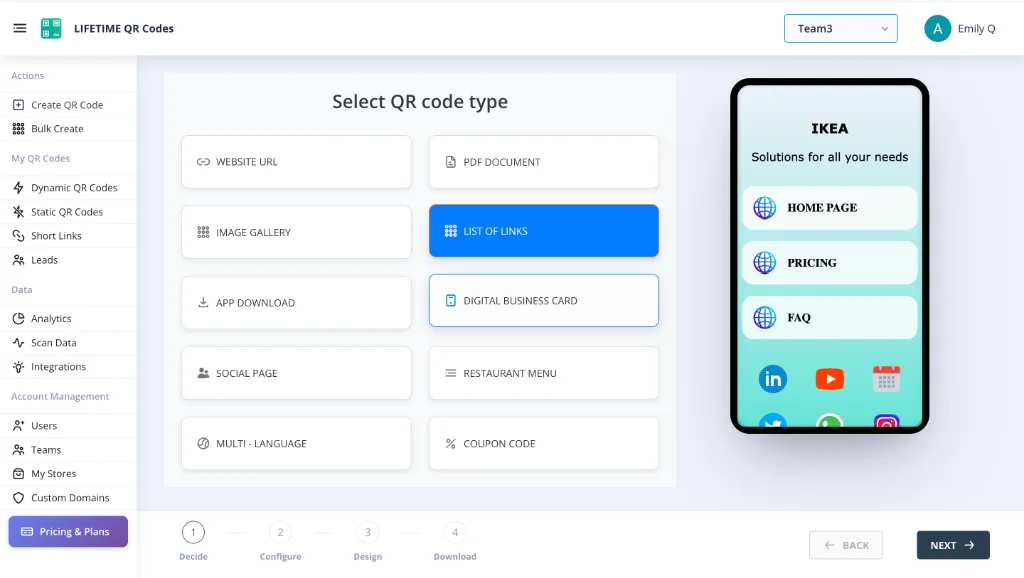
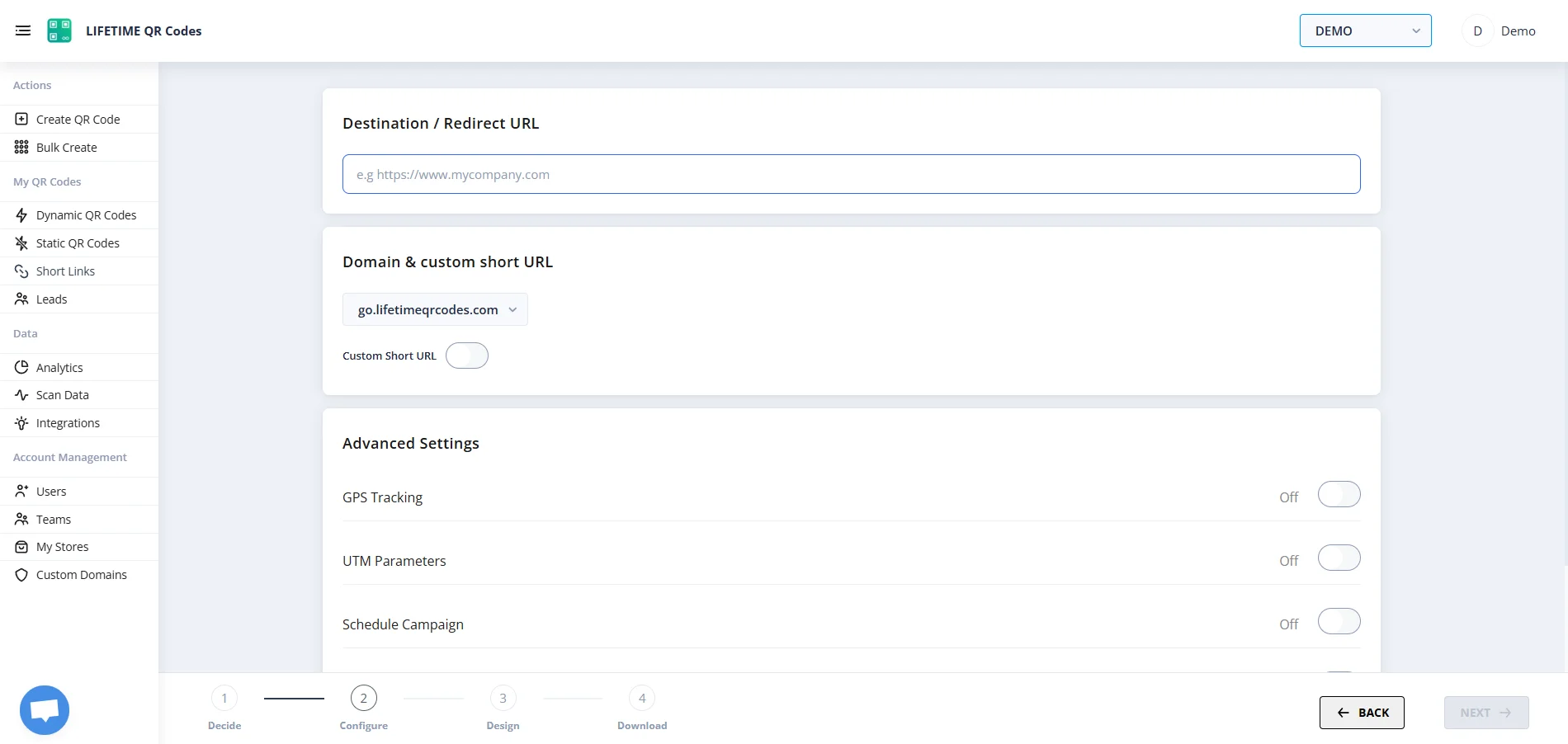
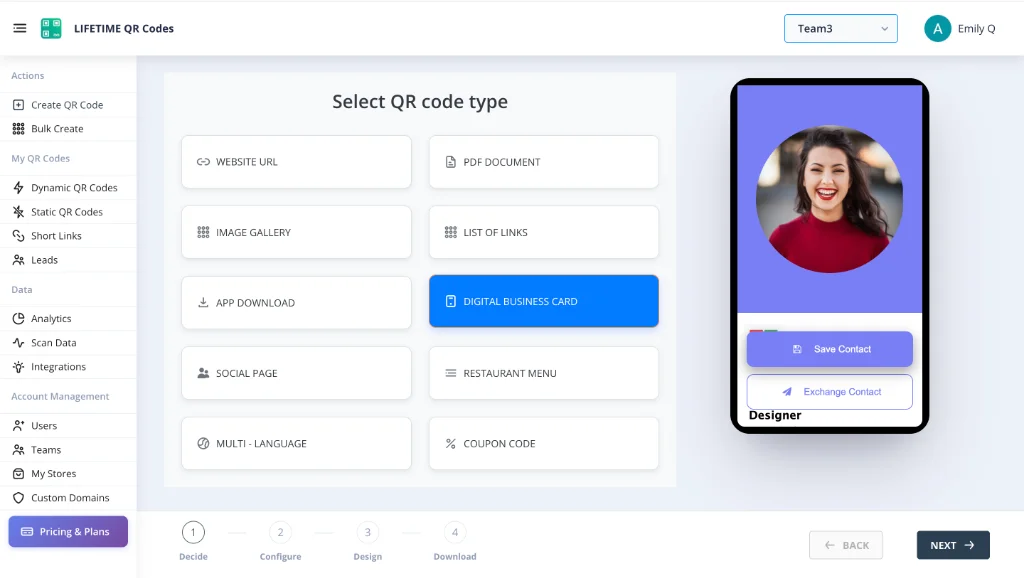
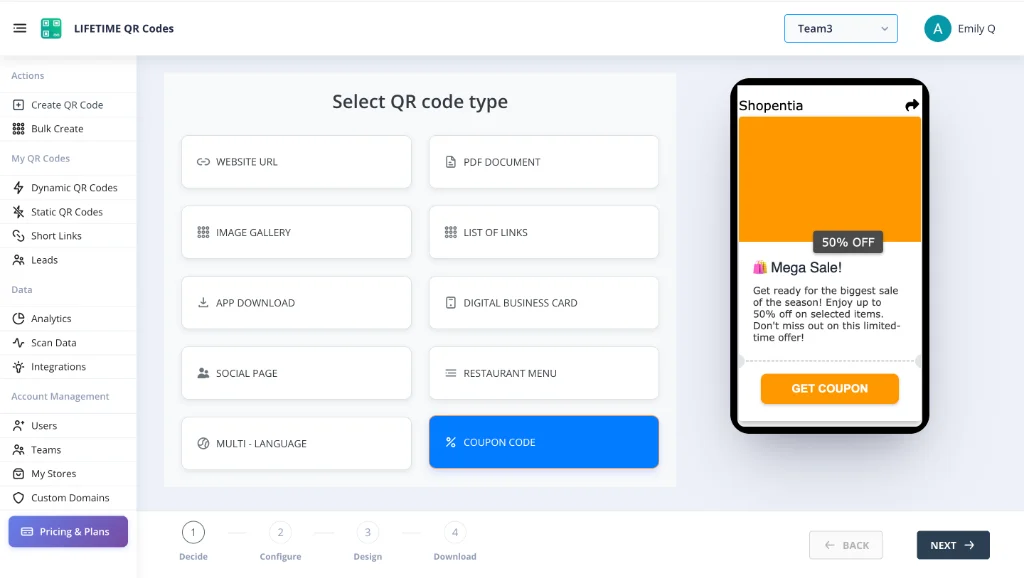
See the Platform In Action
Manage your permanent assets through an enterprise-grade dashboard designed for simplicity and power.
Lifetime QR Codes Analytics
See scans, devices, and top links at a glance — no subscription required.
Total scans
12,407
+26% vs previous period
Unique visitors
8,291
Last 24h
412
Avg scans / QR
4
Peak
Wednesday 14:00–15:00
Last 7 days
Daily scans
By device
By OS
Top regions
Top QR codes
- Menu – Main3,124
- Business Card vCard2,891
- Product Page2,103
- Event RSVP1,842
- PDF – Brochure1,247