Make Patient Check-In Easier With One Scan
Put a QR code where patients arrive and send them straight to your check-in form, registration page, or arrival instructions.
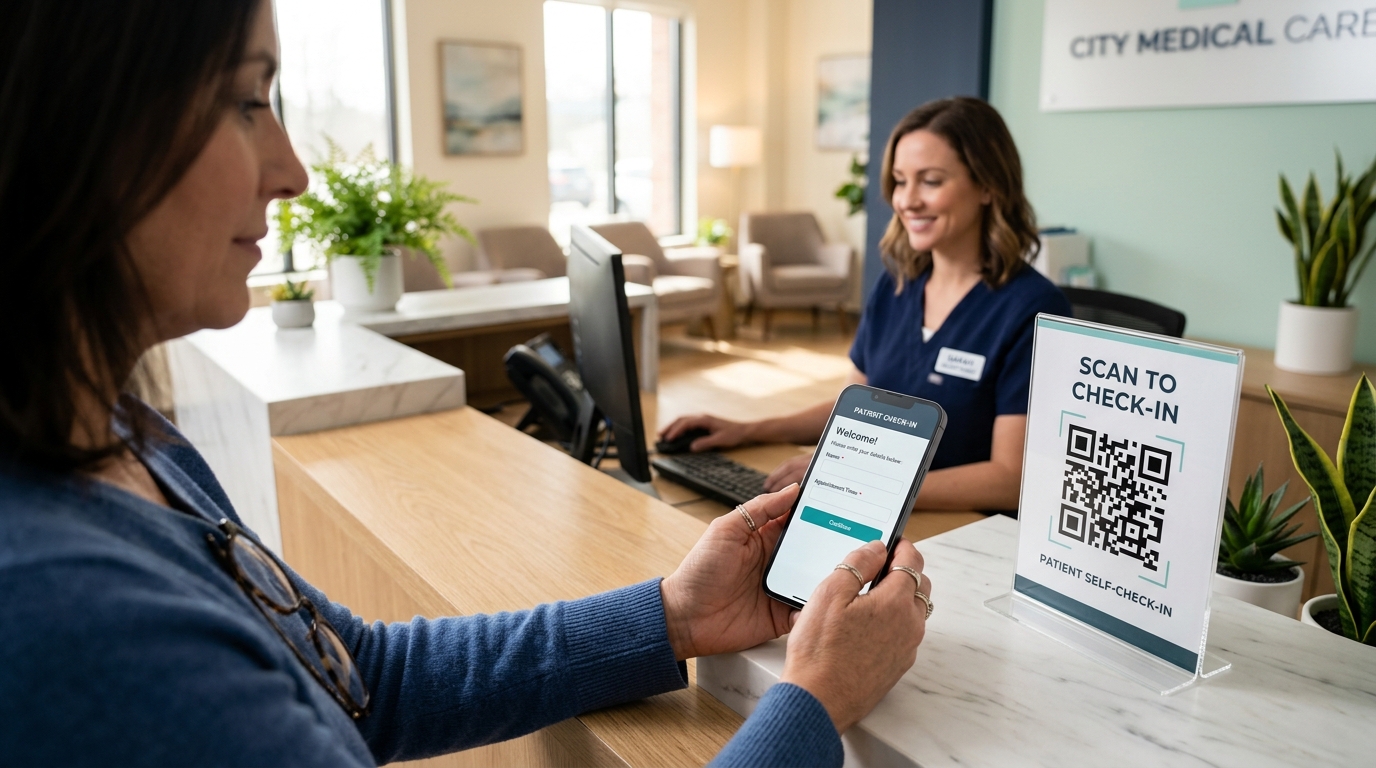
Self-Service Check-In in Seconds
One continuous arrival flow: from walk-in to completed check-in.
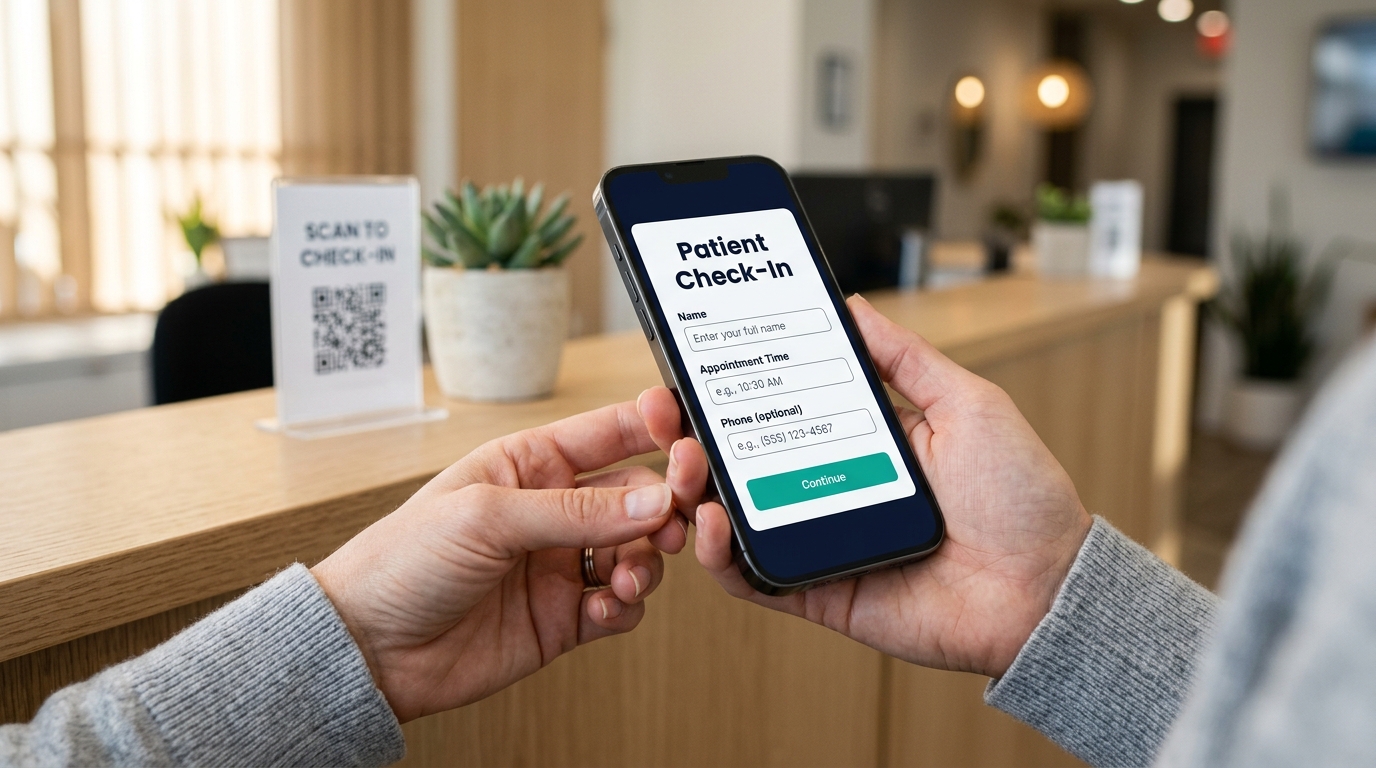
When Arriving Patients Aren't Sure Where to Begin
Patients walk in and immediately wonder:
Give them one clear place to start: a QR code stand right on the reception desk that opens your check-in form.
How It Works in Your Clinic
Simple setup for your team, zero friction for arriving patients.
CREATE
Add your check-in or registration URL.
PLACE
Put the QR code where patients arrive.
SCAN
Patients scan using their phone camera.
CHECK IN
The linked page opens and they continue.
What Can Patients Access?
Send patients directly to the online check-in, registration, or intake page you already use.
Check-In Form
Start the arrival process directly from the patient's phone.
Registration Form
Send new patients directly to your standard registration questionnaire.
Intake Form
Open the pre-visit health questionnaires patients complete before seeing staff.
Appointment Instructions
Share visit preparation guidelines, fasting rules, or copay reminders.
Arrival Information
Show practice hours, check-in policies, visitor rules, or parking instructions.
Department Information
Guide patients directly to specific exam rooms, labs, or specialty suites.
Where to Put Your Check-In QR Code
Display the code where arriving patients naturally look first.
Display a counter stand right where patients step up to the front desk.
Place a sign at the entrance door so patients notice self-service check-in as they arrive.
Mount a sign in the waiting area so patients can scan and complete forms while seated.
Print a code on appointment reminder cards for arrival instructions.
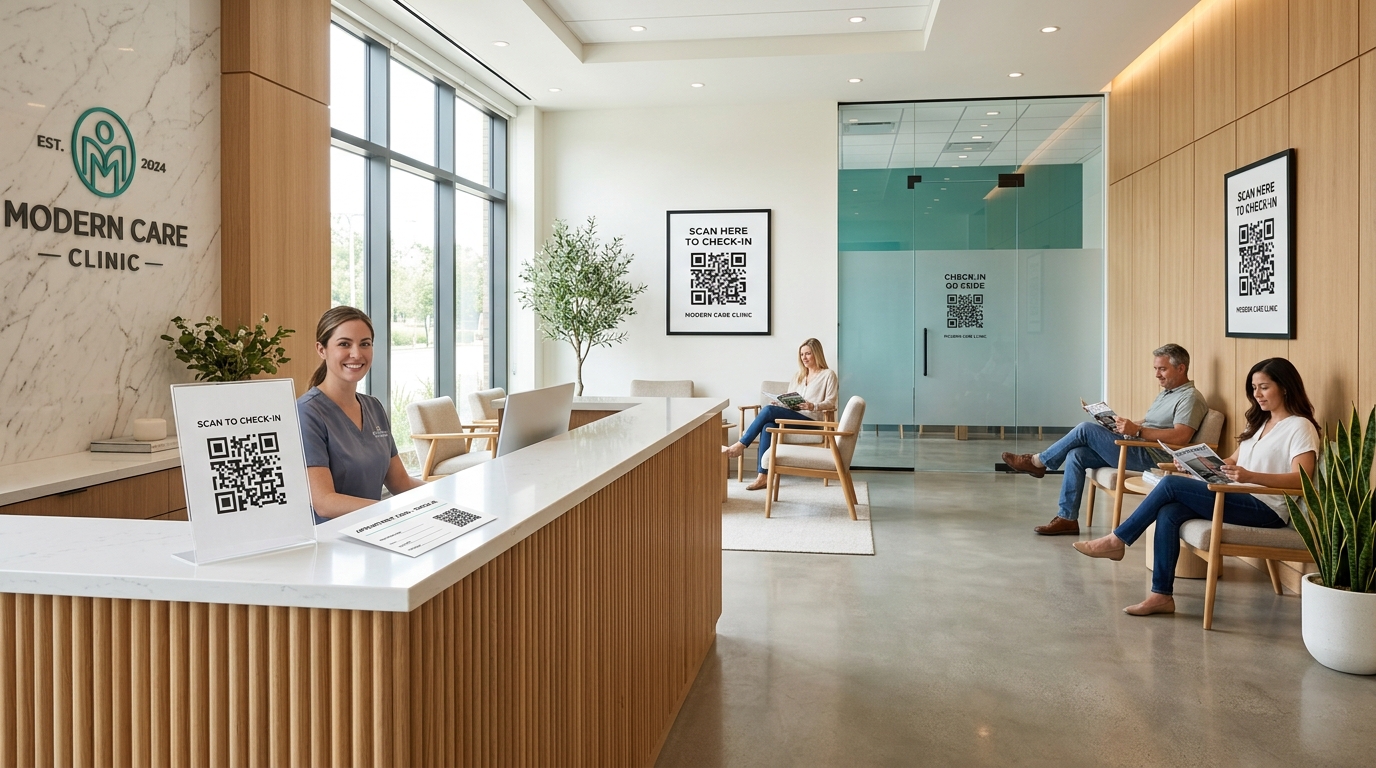
Before & After Counter QR Check-In
Without a Check-In QR Code
With a Check-In QR Code
Why Lifetime QR Codes for Patient Check-In
Built to keep physical practice check-in signage working without interruptions.
Editable Destination
Change where your QR code points without reprinting it.
Never Expires
Your dynamic QR code stays active without recurring renewal.
$49 One-Time
Pay once per dynamic QR code. No monthly or yearly renewal fees.
Print-Ready Downloads
Download your QR code in vector SVG, PDF, and high-resolution PNG formats.
Unlimited Scans
No scan overage fees or scan caps.
Easy to Update
Change your destination without reprinting your QR code.
A Better Arrival for Your Patients
See QR → Scan → Page opens → Complete form → Continue with visit.
Use Their Own Phone
Patients can scan the QR code with their phone camera and continue to the linked check-in page.
No App Required
Patients can scan using their phone camera on iOS and Android.
Accessible Anywhere in the Clinic
Patients can scan at the front desk or while seated in the waiting area.

How Easy It Is to Get Started
Create and print your clinic's check-in QR code in minutes.
One Payment. Lifetime Check-In Code.
Pay once. Keep your clinic check-in QR code active forever without recurring subscriptions.
Single payment covers permanent redirect infrastructure for your check-in code.
Frequently Asked Questions
Give Patients an Easier Way to Start Their Visit
Create a QR code for your check-in page and put it where patients can see it.
$49 one-time payment • No monthly fees • Editable destination anytime